
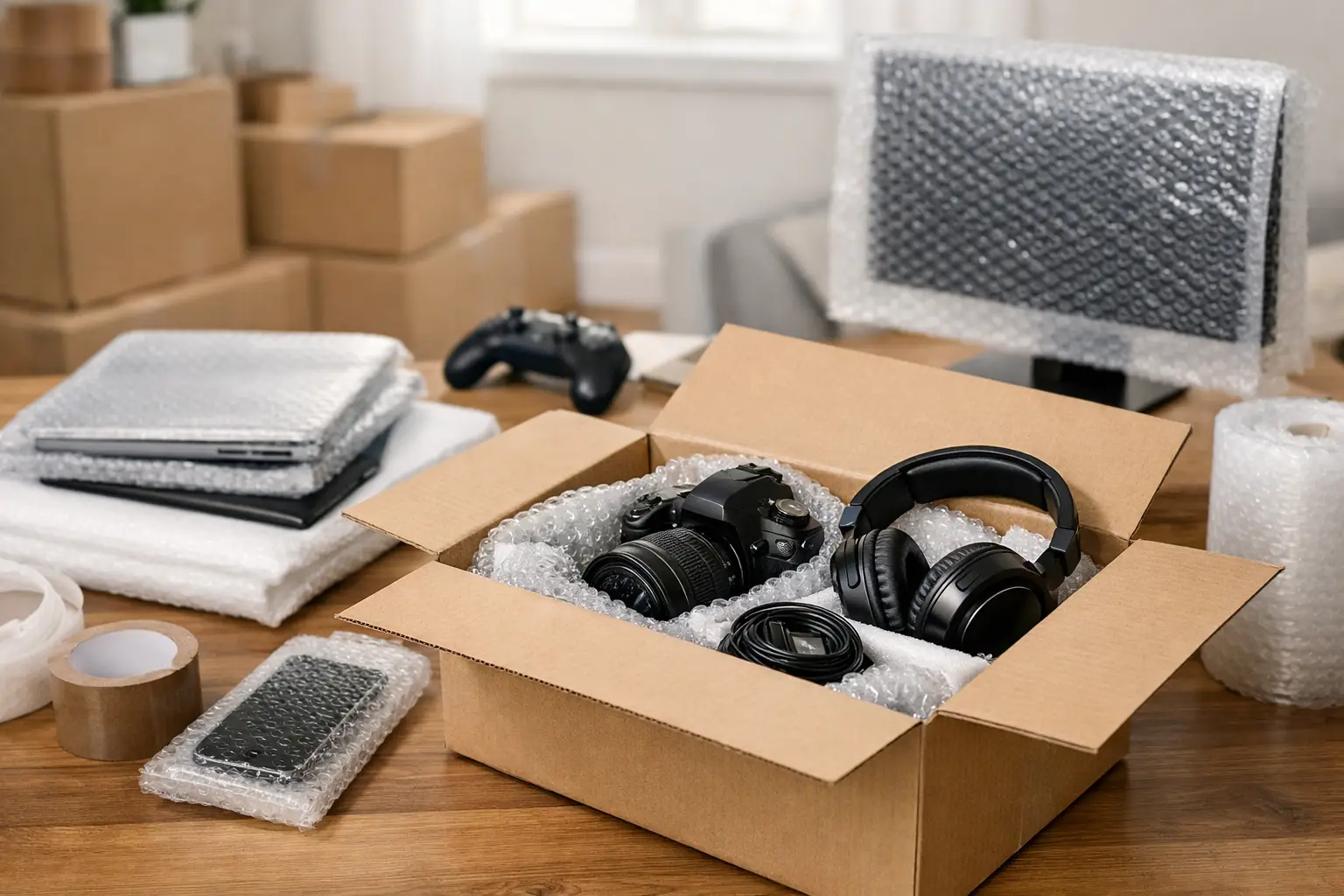
A television with a cracked screen or a computer that will not power up can turn moving day from stressful to expensive very quickly. If you are working out how to pack electronics for moving, the aim is simple – protect delicate parts, prevent moisture and impact damage, and make set-up easier when you arrive.
Electronics are awkward because they are both fragile and valuable. A dining chair can take a knock and usually survive. A games console, desktop monitor or broadband router has far less tolerance for pressure, loose movement or poor packing. The best approach is not complicated, but it does need a bit more care than putting items into a standard box and hoping for the best.
How to pack electronics for moving without damage
Start by deciding which items are moving with the removals team and which should stay with you during the journey. Small, high-value electronics such as laptops, tablets, mobile phones, cameras, external hard drives and important data storage devices are usually better kept in your own vehicle or personal bag. That reduces the risk of loss and means essential items stay accessible.
For everything else, preparation matters more than speed. Before unplugging anything, take a quick photo of the cables at the back. This is especially useful for TVs, desktop computers, office printers, broadband hubs and entertainment systems. It saves a great deal of guesswork later, particularly if several devices look similar once packed.
Next, label every cable clearly. A simple system works best – masking tape and handwritten notes are usually enough. Mark both the cable and, if helpful, the device it belongs to. Chargers, HDMI leads, power cords, mouse receivers and printer cables have a habit of becoming mixed together during a move.
If a device contains data you cannot afford to lose, back it up before packing. That applies to family computers, business devices, hard drives and home office equipment. Even with careful handling, moving involves lifting, vibration, loading and unloading. Physical protection is essential, but data protection matters just as much.
Use the right packing materials
Original boxes are ideal if you still have them, especially for televisions, monitors, speakers, desktop computers and printers. They are designed to support the shape and weight of the item and often include fitted inserts. If the original packaging is no longer available, use strong double-walled cardboard boxes and enough protective material to stop movement inside.
Bubble wrap, packing paper, foam corners and anti-static materials all have their place. For delicate electronics, anti-static bubble wrap or bags are the safest choice, particularly for computer components and office equipment. Standard packing paper is useful for filling gaps, but it should not be the only protection around something fragile.
It is worth avoiding a few common mistakes. Do not wrap screens directly in newspaper, as ink can transfer. Do not allow cables to remain loose in the same box as the device, where they can knock against it in transit. And do not overfill boxes just because there is space left. Heavy electronics in oversized cartons are harder to lift safely and more likely to shift.
Packing TVs and monitors
Flat-screen televisions and monitors need careful handling because the screens can crack under pressure even if the outer frame looks fine. If possible, place a soft screen protector, clean blanket or foam sheet over the display first, then wrap the whole unit in bubble wrap. Pay particular attention to the corners, as these are vulnerable during loading.
Stand the TV upright in a suitable box where possible. Laying a screen flat can sometimes increase pressure during transport, especially if anything is placed on top. Remove the stand if it can be detached and wrap it separately. Keep screws and fittings in a clearly labelled bag taped to the stand or stored in a marked accessories box.
Packing computers and laptops
Desktop computers should be shut down fully, unplugged and allowed to cool before packing. Remove any discs from drives and disconnect accessories. Wrap the tower securely, making sure there is padding on all sides once boxed. Monitors should be packed separately rather than pressed against the tower.
Laptops are easier to move, but they still need protection from impact and temperature changes. A padded laptop sleeve inside a sturdy box works well if you are not carrying it personally. If the laptop contains important documents or business files, many people prefer to keep it with them throughout the move.
For custom-built PCs, there is an extra point to consider. Internal components such as graphics cards or large cooling systems may need additional stabilisation or removal before transport, depending on the build. If you are unsure, it is sensible to ask a technician before moving day rather than risk damage inside the case.
Packing kitchen and home office electronics
Small appliances such as microwaves, coffee machines and air fryers are electronics too, and they need more than a quick wrap. Clean and dry them thoroughly before packing. Any trapped moisture can cause problems in storage or during transport, particularly if the item is packed immediately after use.
Printers and home office equipment should be emptied where possible. Remove paper, secure trays, and if the manufacturer provides instructions for moving inkjet or laser printers, follow them. Ink cartridges and toner can leak or shift, so a little preparation goes a long way.
Pack accessories so unpacking is easier
A move tends to create cable chaos. The easiest way to avoid that is to pack accessories by item or by room. For example, keep the living room TV remote, power lead, HDMI cables and streaming device together in one labelled bag or small box. Do the same with desk equipment, gaming accessories and kitchen appliance attachments.
Coil cables loosely rather than winding them too tightly. Over-bending can weaken them, especially older charging leads and network cables. Use reusable ties, elastic bands or soft tape to keep each one tidy. Then place them in a sealed, labelled bag so they are not loose inside the carton.
It also helps to mark boxes with more than just the room name. Writing “TV screen – keep upright” or “Office printer – fragile” gives clear handling instructions. That is useful for anyone helping with loading and unloading, and it makes priority unpacking much easier when you arrive.
Think about temperature, moisture and storage
Electronics do not just dislike impact. They also respond badly to damp conditions, condensation and extreme temperatures. If your move involves temporary storage, make sure devices are packed in dry materials and sealed properly. Garages, sheds and unsecured outbuildings are rarely the best place for valuable electronics, particularly over winter.
If an item has travelled in very cold conditions, allow it to return to room temperature before switching it on. This small delay can help prevent condensation-related damage inside the device. It is a simple step that people often overlook when they are eager to get everything running again.
For longer-distance moves, this matters even more. The more time electronics spend in transit, the more important secure packing, stable stacking and dry storage become. Experienced removals teams plan vehicle loading carefully so fragile items are protected rather than squeezed into remaining space.
When professional packing makes sense
Some electronics are straightforward to handle yourself. Others are not. Large TVs, office IT equipment, multiple monitors, business printers and full home office set-ups can be difficult to pack properly without the right materials and experience. In those cases, professional packing support is often the safer option.
This is particularly true if you are moving on a tight schedule, relocating an office, or combining removals with storage. A professional team can supply suitable boxes and protective materials, label items clearly, and make sure electronics are loaded in a way that reduces movement in transit. For many households and businesses, that reassurance is worth it.
At Phoenix Rising Removals and Storage, careful handling is part of the job because a successful move is not just about getting items from one address to another. It is about making sure they arrive in the condition you expect and are ready to use when you need them.
A quick check before moving day
Before the boxes are sealed, check that every device has been backed up if needed, cleaned, switched off, and packed with its accessories or clearly labelled cables. Make sure fragile boxes are not overloaded and that anything especially valuable is travelling with you if appropriate. A few extra minutes here can prevent hours of frustration later.
Packing electronics properly is less about special tricks and more about careful preparation. Give each item the protection its shape, weight and fragility require, and the whole move becomes easier to manage. When you arrive at your new home or premises, you will be glad you took the time to do it properly.