
A computer that arrives without a cable, a server switched off in the wrong order or a monitor packed under a box of files can delay an entire team. To relocate IT equipment safely, businesses need more than a vehicle and a few cardboard boxes. They need a clear plan that protects the equipment, the information held on it and the working day that follows the move.
For a small office, the process may centre on laptops, screens and a router. For a larger organisation, it can involve servers, switches, specialist machinery, telephone systems and carefully timed downtime. The right approach depends on the equipment involved, but careful preparation makes every office relocation easier to manage.
Start with an IT move plan
IT should be planned as a distinct part of an office move, not left until desks and filing cabinets have been dealt with. Appoint one person from the business to coordinate with your IT provider, department leads and removals team. This gives everyone a single point of contact for decisions about access, timings and priorities.
Begin with a site survey at both premises. Check where equipment is located, how it will leave the building and where it will be positioned at the new address. Measure doorways, lifts, stairwells and server-room access. A large printer or rack-mounted unit can be difficult to move safely if this is only considered on moving day.
Agree a realistic schedule for shutdown, transport and recommissioning. Many businesses choose to move core IT outside normal working hours or over a weekend, allowing time to test systems before staff return. That may cost more than a weekday move, but it can reduce disruption where lost working time would be more expensive.
Create an accurate equipment inventory
An inventory is useful for far more than checking nothing has been left behind. It helps identify who owns each item, where it belongs, what condition it was in before the move and whether any specialist handling is required.
Record serial numbers for high-value equipment and take clear photographs of servers, desktop set-ups and the rear of network cabinets before anything is disconnected. Label every item with a unique reference, the department or user, and its destination room or desk number. Avoid relying on memory, particularly where several similar monitors, docking stations or power supplies are involved.
For each workstation, keep the computer, monitor, keyboard, mouse, dock and cables together wherever practical. A labelled cable bag taped or secured to its corresponding item reduces the common problem of having a fully unpacked desk with no suitable lead to power it.
The inventory should include:
- laptops, desktop computers, monitors and docking stations;
- servers, network switches, routers, firewalls and storage devices;
- printers, scanners, telephones and meeting-room equipment;
- cables, adaptors, spare parts and charging units; and
- any specialist equipment with manufacturer handling instructions.
Protect data before moving hardware
Physical protection matters, but data protection is equally important. Make a verified backup of business-critical systems before the move begins. A backup is only helpful if it can be restored, so your IT provider should check it is complete and accessible.
Where possible, keep sensitive data encrypted and make sure devices have current passwords and access controls. Do not place asset lists containing passwords, security codes or detailed network information in open boxes or on labels. These details should be handled separately by authorised staff.
For servers and network equipment, document the existing configuration and connections. Photograph cabling layouts and label ports at both ends. This saves valuable time at the new premises and reduces the risk of reconnecting equipment incorrectly. If your business uses cloud services, check who will manage internet access, routers and security settings once the new connection is live.
Shut down and disconnect equipment properly
Never simply pull the plug on active IT equipment to meet a tight moving deadline. Servers, external drives and network devices should be shut down in the order recommended by the manufacturer or your IT support provider. This helps prevent data corruption and allows systems to power down safely.
Give equipment enough time to cool before it is packed. Printers, especially laser printers, can retain heat after use, while computers and servers need a short period for internal components to settle. Remove discs, USB drives and other loose media, then secure moving parts where the manufacturer advises it.
Inkjet and laser printers require particular care. Toner cartridges, ink cartridges and paper trays may need to be removed or secured before transport. For large multifunction printers, use trained movers and follow the supplier’s instructions. Their weight, internal components and awkward shape make them unsuitable for casual handling.
Use the right packing materials
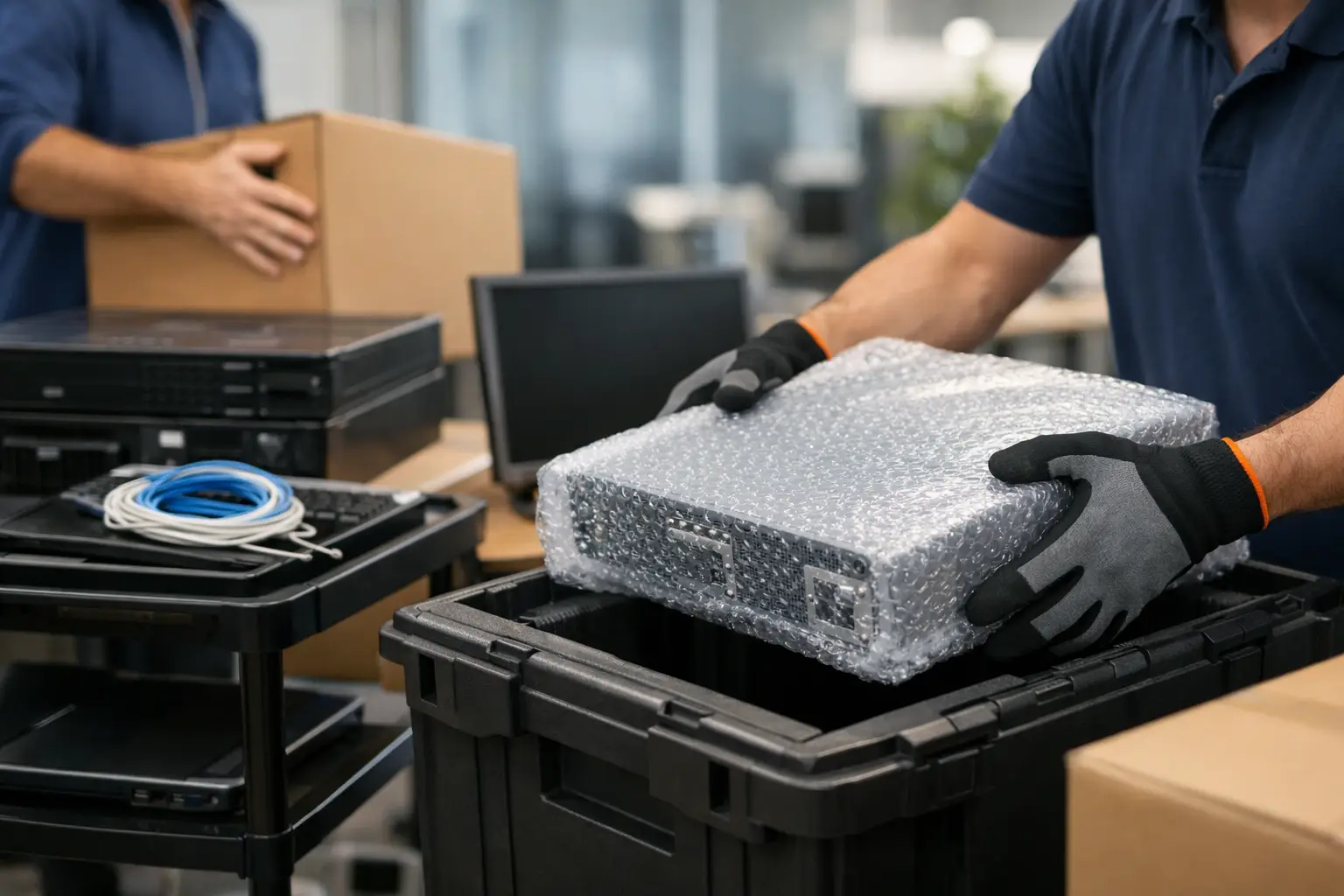
Original manufacturer packaging offers the best protection when it is available, particularly for servers, monitors and specialist equipment. However, most businesses no longer keep every box. Professional packing materials can provide a safe alternative when selected and used correctly.
Screens should be wrapped individually with protective covers, bubble wrap or foam, then packed upright in suitable cartons. Never stack heavy boxes on monitors or televisions. Laptops and tablets should be placed in padded cases or strong cartons with enough cushioning to prevent movement.
Desktop computers need protection around their corners and should be kept upright where possible. Internal components can be vulnerable to shocks, particularly in older machines or high-performance workstations. Servers, network units and expensive audiovisual equipment may need purpose-built crates, anti-static protection or specialist packing arranged through an IT supplier.
Use strong, clearly labelled boxes rather than overfilling general cartons. A box marked “IT – Fragile – This Way Up” gives the removals crew useful handling information, but labels should never reveal confidential details about the contents. Keep a separate list that matches box numbers to the full inventory.
Choose transport that keeps equipment stable
IT equipment should travel in a clean, dry vehicle with enough room for safe loading. It needs to be secured so it cannot slide, topple or take the weight of other items during transit. Purpose-built removals vehicles, protective transit blankets and proper load restraint make a significant difference on longer journeys and uneven roads.
Avoid packing valuable electronics alongside loose furniture, tools, liquids or heavy archive boxes. If equipment is being placed into storage before the new office is ready, choose a secure, dry facility and make sure the units are protected from pressure, dust and changes in temperature. Storage can be a practical option during a phased relocation, but it requires the same labelling and inventory control as the main move.
Confirm what insurance cover applies during packing, transport and storage. Businesses should understand the policy terms, declared values and any exclusions for high-value or specialist equipment before moving day. Your own business insurance may also have conditions concerning devices left unattended or stored away from the premises.
Prepare the new office before arrival
The new premises should be ready for IT before the lorry arrives. Confirm that electrical work has been completed, sockets are safe to use and the internet connection is active or scheduled for installation. Check that server rooms have suitable cooling, security and power provision, including any required uninterruptible power supplies.
Create a desk and room plan so labelled equipment can be delivered directly to the right location. This prevents an unnecessary second round of handling and helps staff get established sooner. It is also sensible to keep essential equipment, such as network hardware and key staff laptops, accessible rather than buried behind office furniture.
Once equipment is in place, reconnect and test it in stages. Start with internet connectivity, network infrastructure and shared systems, then move on to individual workstations, printers and meeting-room technology. Ask staff to report faults promptly and compare all items against the inventory before signing the move off as complete.
Use experienced support for complex moves
A business can manage a small number of laptops internally, but professional support is usually worthwhile when there are multiple workstations, heavy equipment, difficult access or a narrow relocation window. An experienced removals team can handle the packing, loading, transport and placement of office equipment while your IT specialists focus on shutdown and recommissioning.
Phoenix Rising Removals and Storage can coordinate careful office removals across southern England and throughout the UK, with professional packing, secure storage and insured handling available where required. The best results come from early planning: share your equipment list, access details and timetable well before moving day.
A well-managed IT move should leave your people ready to work, not searching through boxes for cables or waiting for avoidable repairs. Treat each device as part of your business continuity plan, give it the protection it needs, and the new office will feel operational far sooner.